
ECU & TCU
tuning services
Choose engine tuning, gearbox file work or additional options for your workshop. We manually prepare each file using your original submission and the vehicle, hardware and service details you provide.
STAGE 1 · STAGE 2 · TCU · ADDITIONAL OPTIONS01Stage 1 tuning1 credit · applicable options included
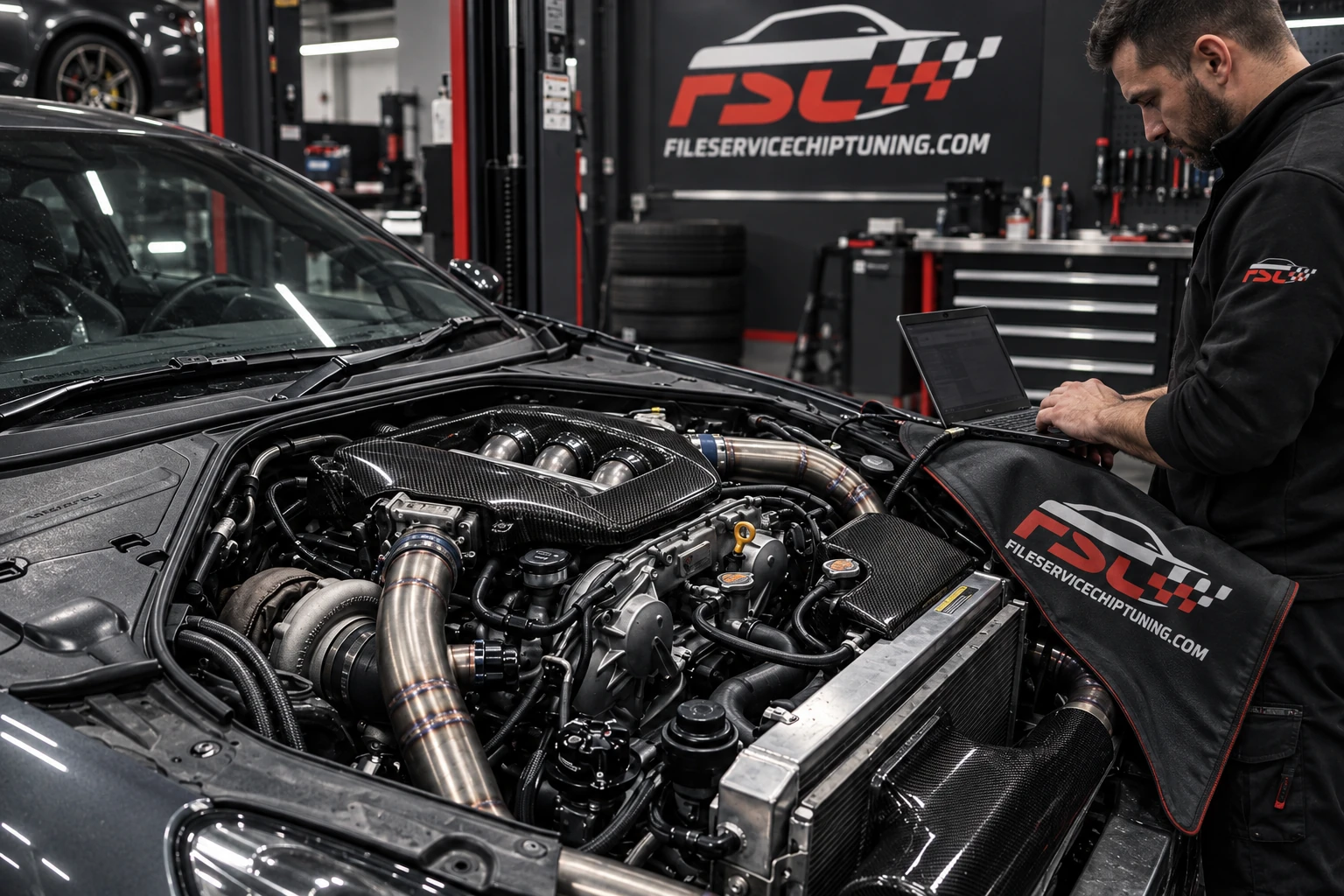
ECU tuning for the vehicle's existing hardware setup. Provide the original file, engine and ECU information, reading method and any existing modifications. The calibration request is assessed against those details; expected results depend on the vehicle, fuel and mechanical condition.
- Original-file and vehicle details required
- Manual file preparation
- Selected compatible options included in the same request
02Stage 2 tuning2 credits · for a declared hardware setup
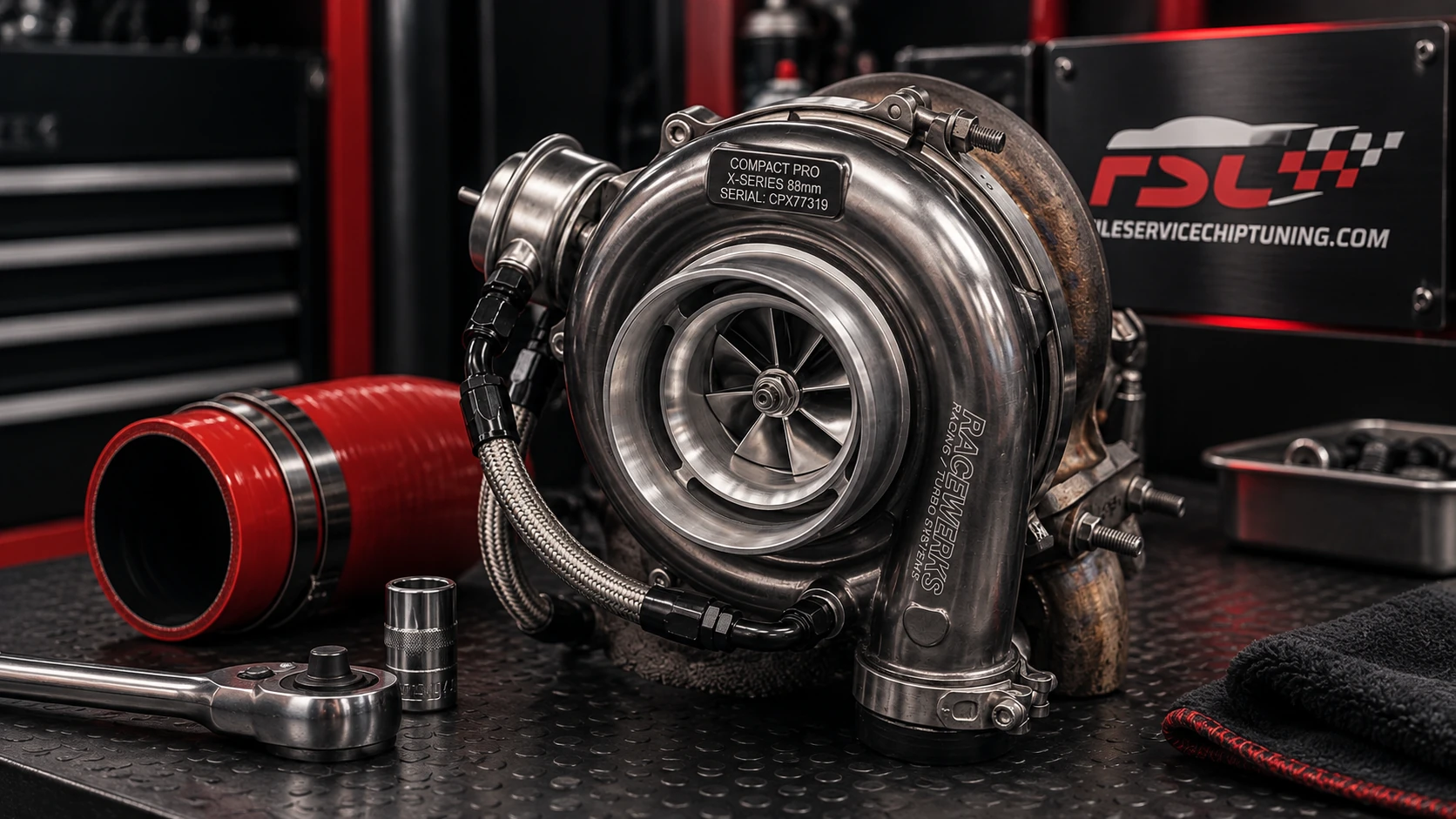
A tuning request for supporting hardware modifications. Describe the actual parts fitted, fuel, relevant diagnostics and requested outcome rather than relying on a stage label alone. More extensive builds or unusual requirements should be discussed before you submit.
- Declare intercooler, turbo and other relevant changes
- Share logs or supporting information where available
- Selected compatible options included in the same request
03DPF / EGR / AdBlueVehicle-specific requests
Emissions-related options appear in the service catalogue, but technical availability and legal suitability depend on the vehicle and intended use. Establish the applicable requirements in your jurisdiction before requesting a modification; an option being listed does not make it suitable for road use.
- Identify the exact system, ECU and software
- Describe existing faults and the intended application
- Check availability and local requirements before ordering
04TCU / gearbox tuningTransmission calibration requests
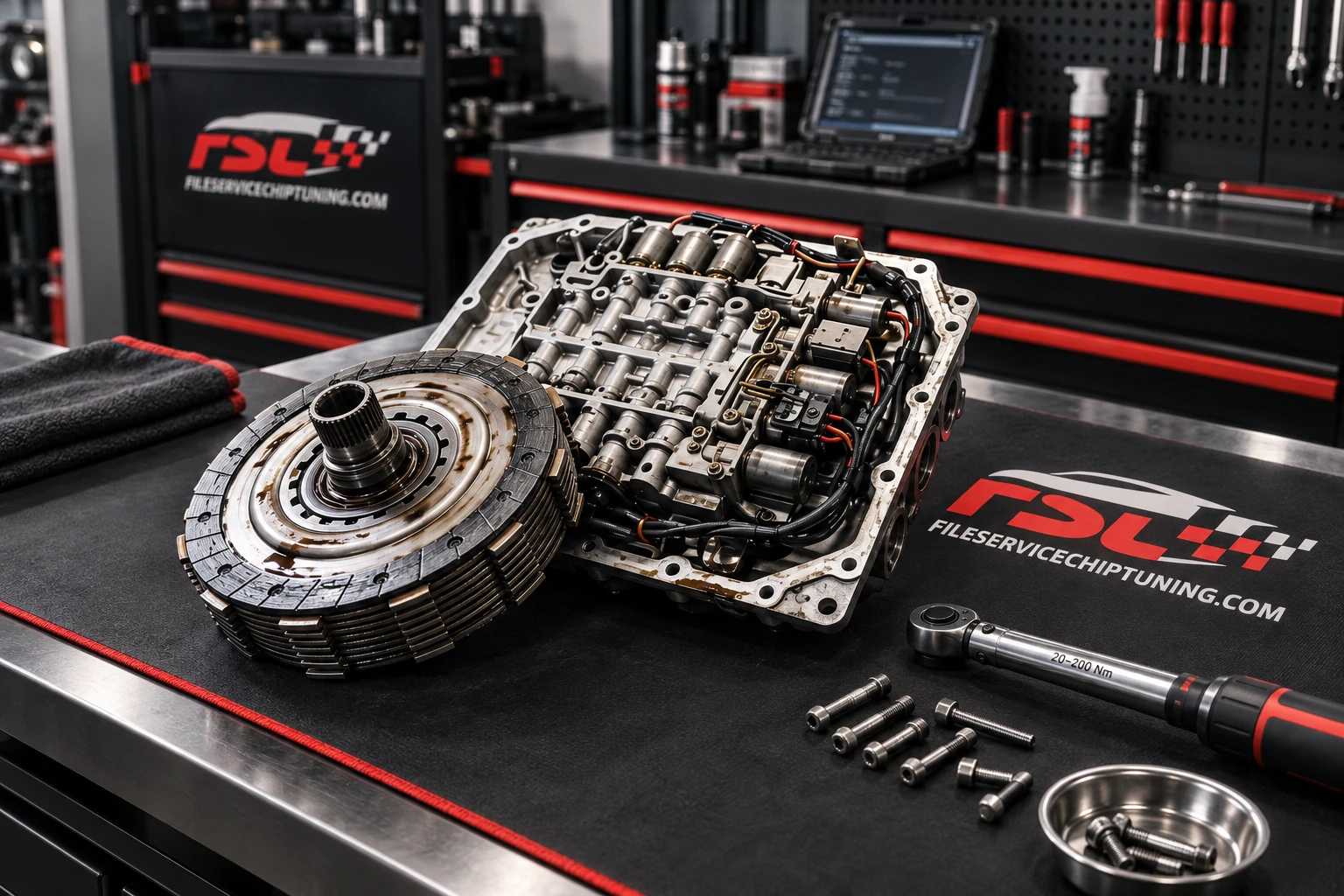
TCU file work starts with the exact gearbox, controller, software version and engine setup. Requests may involve shift behaviour, torque coordination or other available settings. The feasible changes depend on the transmission and reading method; confirm the service and credit cost before submission.
- Include gearbox and software identification
- Describe the engine tune and hardware setup
- Confirm file access and service compatibility
05Options & limiters0.5 credit per standalone option
Choose additional options such as start-stop, Vmax or other available settings for your file. Selected, compatible options are included with Stage 1 or Stage 2 in the same request. Without a stage tune, each selected option costs 0.5 credit; the upload screen shows the total before submission.
- Choose only the changes required for the vehicle
- Applicable options included with Stage 1 or Stage 2
- Technical suitability and intended use matter

06DTC & special requestsShare the fault and the context
For diagnostic-code or unusual calibration requests, send the exact code, vehicle and ECU details, existing faults and the work already carried out. A file change is not a substitute for finding a mechanical or electrical fault. Ask about feasibility before committing to a particular solution.
- Exact fault codes and diagnostic context
- Relevant original file and hardware information
- Discuss unusual requests through a support ticket
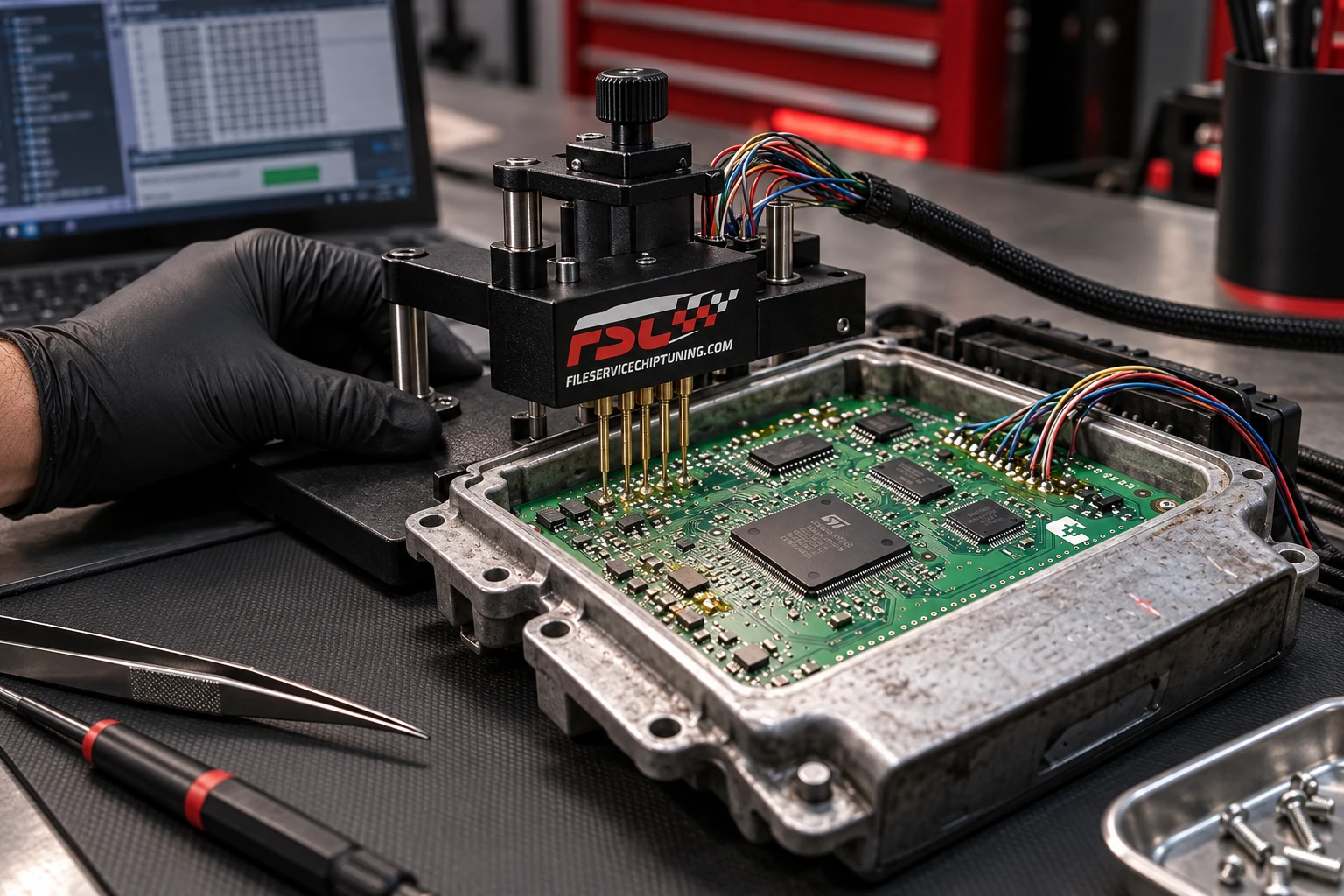
Need help choosing? Browse tuning file services, explore the vehicle brand guides or contact us about the original file and requested changes.
Know your tool.
Check your file.
Tell us which tool, protocol and read method you use. Common tool names you may see in workshop workflows are shown here; compatibility still depends on the exact ECU, software and file format. Ask before sending an encrypted or restricted file.
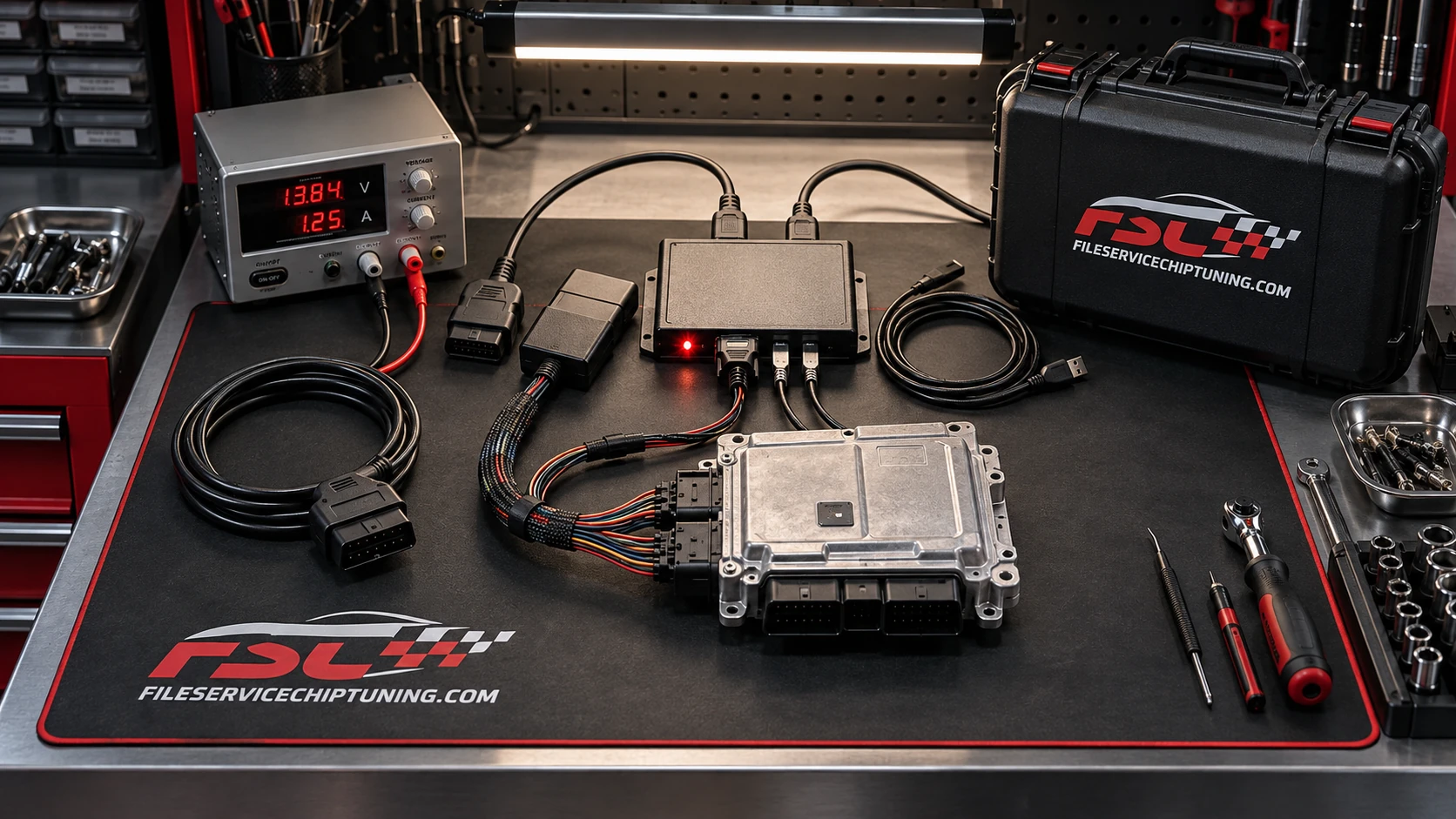
Tool names identify third-party products, not a partnership or a promise of universal support. Confirm the individual file before ordering.
Start with the right details. Validate the result.
A tuning file cannot establish the condition of a vehicle remotely. Diagnose existing faults, describe the hardware honestly and check whether the requested changes suit the intended use. Follow the tool manufacturer's programming procedure and validate the vehicle afterwards.